Smart Devices Step by Step: The Ultimate Effortless Guide
In today’s fast-paced world, smart devices have become an essential part of our daily lives, simplifying everything from home management to personal productivity. However, for many, the idea of setting up and using these intelligent gadgets can feel overwhelming. This is where “smart devices step by step” guidance becomes invaluable, providing clear and easy-to-follow instructions to maximize the benefits of your smart technology without the headache.
Whether you’re new to the smart home ecosystem or looking to get the most out of your devices, this guide breaks down the process into manageable, straightforward stages. By following these steps, you can enjoy seamless integration, improved convenience, and enhanced control over your environment.
Understanding Smart Devices Step by Step
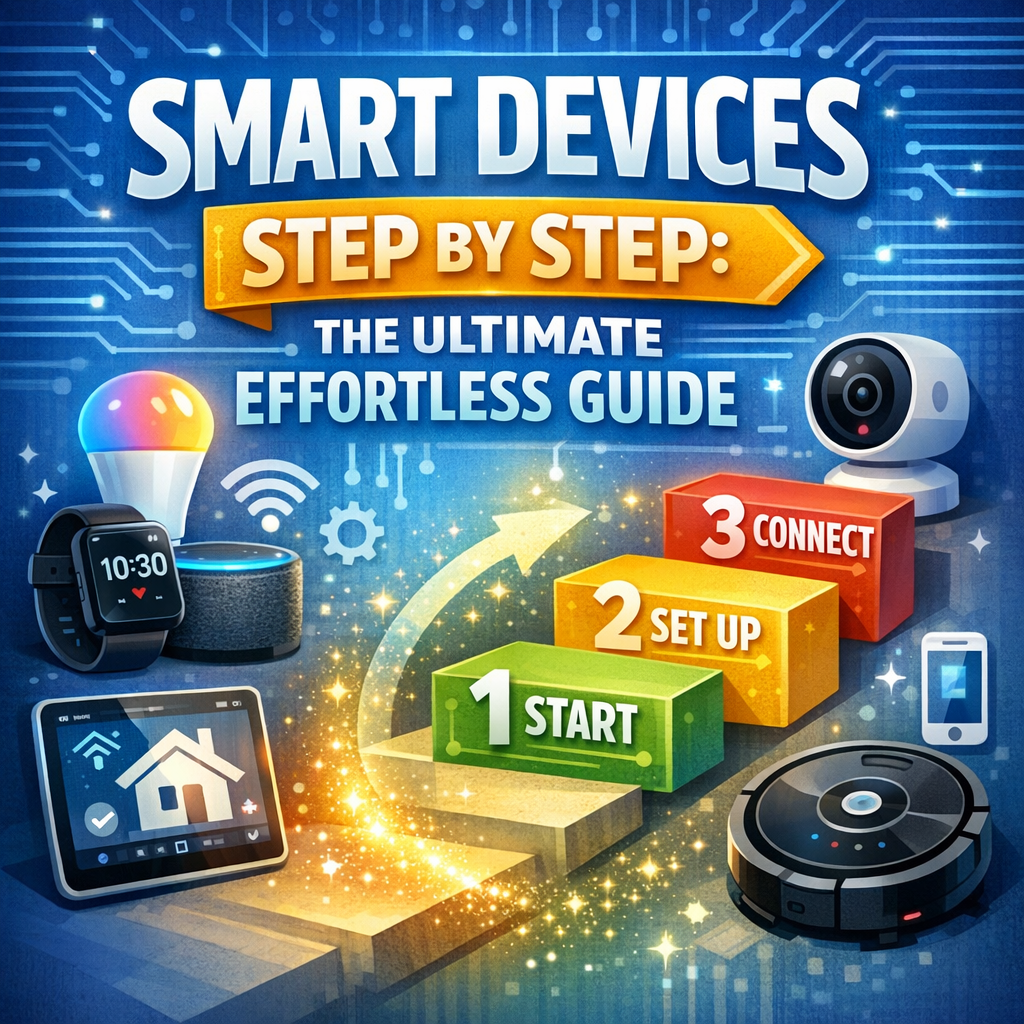
Smart devices are electronic gadgets connected to the internet or other networks, enabling them to send, receive, and process data. Common examples include smart speakers, thermostats, lighting systems, security cameras, and home assistants.
Before diving into the setup, it’s crucial to understand how these devices communicate and what your goals are. Ask yourself:
– What tasks do I want to automate or simplify?
– Which devices are compatible with my current technology?
– How much control do I want remotely via apps or voice commands?
Answering these questions upfront helps in choosing the right devices and ensuring a smoother setup process.
Step 1: Choose Your Smart Devices Wisely
Choosing the correct smart devices for your needs is foundational. Not all products are created equal, and compatibility matters. Begin by identifying the purpose of each device, whether it’s security, energy management, convenience, or entertainment.
Consider popular ecosystems such as Amazon Alexa, Google Assistant, or Apple HomeKit. Sticking to one ecosystem can simplify integration and control via a unified app or voice commands. Research your options and read user reviews to understand the pros and cons of individual devices.
Step 2: Prepare Your Network and Environment
A reliable internet connection is critical for smart devices. Before installation, assess your home’s Wi-Fi network to ensure strong and consistent coverage where devices will be placed. Consider investing in a mesh Wi-Fi system if your home has dead zones or weak signals.
Keep in mind that some devices operate on the 2.4 GHz band, a more extended range but slower speed, while others might require 5 GHz for faster connections. Check the device specifications to configure your router accordingly.
Also, clear out the installation area of physical obstructions and ensure the devices are placed within range of a power source and network signal.
Step 3: Follow the Setup Instructions for Each Device
Once you’ve chosen and prepared your environment, it’s time for the actual setup. Most smart devices come with a dedicated app that walks you through the process. Here is a generic outline to follow:
1. Download the app: Visit the App Store or Google Play Store to get the official app for your device.
2. Create an account: Many manufacturers require you to create an account to connect and control your devices.
3. Connect the device to power: Plug in or insert batteries as per the instructions.
4. Pair with Wi-Fi: Using the app, connect the device to your home’s Wi-Fi network. Make sure to have your network password handy.
5. Customize settings: Configure essential settings like location, device name, and preferences.
6. Test functionality: Use voice commands or the app controls to verify that everything works properly.
If you encounter trouble, consulting the device manual or manufacturer’s customer service can resolve many common issues.
Step 4: Integrate Devices for Seamless Operation
One of the greatest advantages of smart technology is interoperability. Using your central hub (Alexa, Google Home, or HomeKit), you can create routines or scenes that trigger multiple devices simultaneously.
For example, a “Good Morning” routine might gradually turn on lights, start the coffee maker, and adjust the thermostat. Setting these automations step by step through your app ensures your smart home works harmoniously and tailored to your lifestyle.
Step 5: Maintain and Update Your Smart Devices
Smart devices require regular updates to fix bugs, enhance security, and add functionality. Check your apps periodically and allow automatic updates whenever possible. Security is especially important in connected devices, as vulnerabilities could be exploited if ignored.
Additionally, perform routine maintenance like cleaning sensors or repositioning devices to maintain optimal performance.
Conclusion
Mastering smart technology doesn’t have to be complicated. By following the “smart devices step by step” guide, you can gradually build a connected environment that enhances comfort, efficiency, and control with minimal effort. Start with a clear plan, choose compatible devices, prepare your network, and follow setup procedures carefully. With just a little time invested, your home can transform into a futuristic living space that responds intuitively to your needs.
Embrace the future of living—smart devices made simple, one step at a time.