Wearable Technology Tips: Exclusive Must-Have Tricks for Effortless Use
Wearable technology has rapidly transformed the way we interact with the digital world, making it easier to track our health, stay connected, and enhance productivity. From smartwatches and fitness bands to smart glasses and wireless earbuds, these devices integrate seamlessly into daily routines. However, to truly harness the power of wearable gadgets, users need to go beyond the basics. Here are some exclusive wearable technology tips designed to help you maximize your device’s potential and enjoy effortless use.
Understanding Your Device’s Full Capabilities
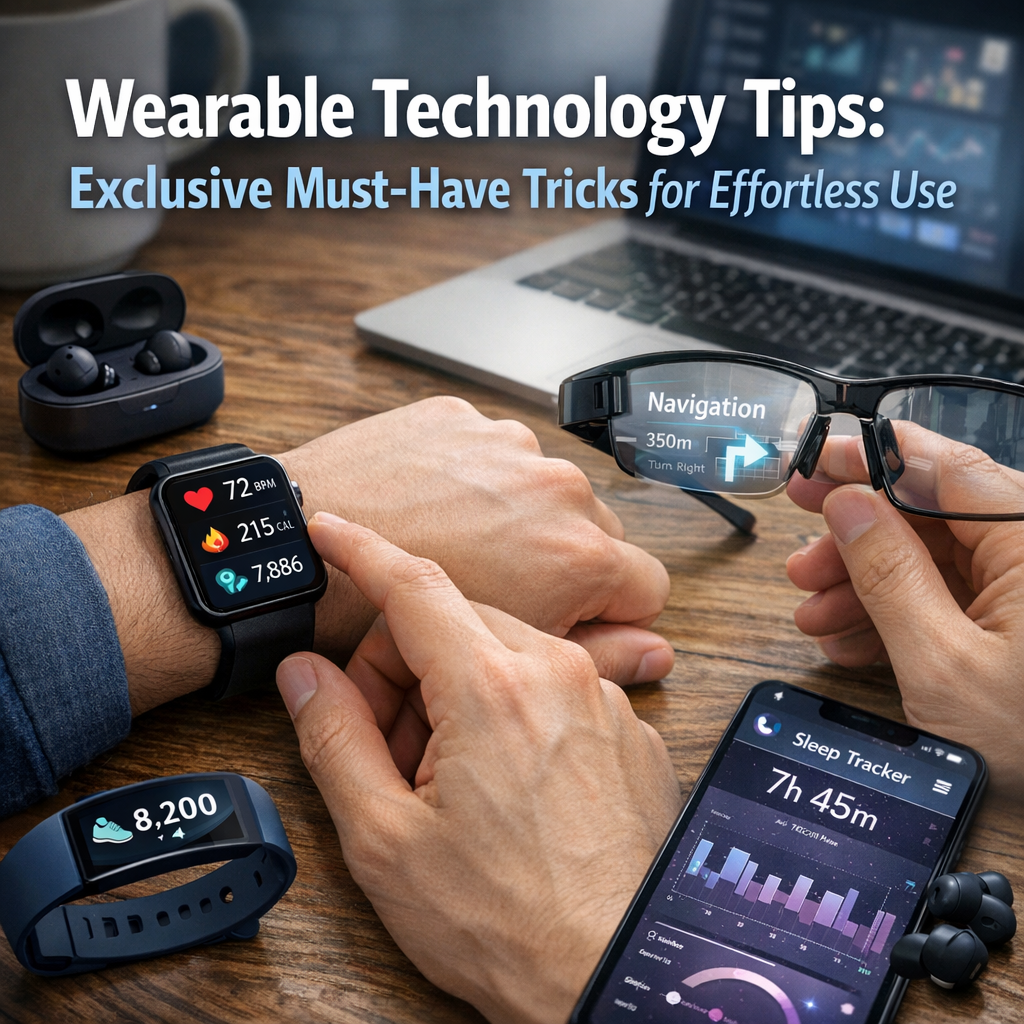
One of the most overlooked aspects of wearable technology is fully exploring its features. Many users wear their devices but utilize only a fraction of their functions. Start by diving deep into your wearable’s user manual or exploring online resources such as forums, tutorials, and official websites. Understanding what your device can do—from health monitoring and GPS navigation to voice assistance and app integrations—lays the foundation for smarter use.
Customize Settings to Your Lifestyle
Tailoring your wearable settings to fit your routine is a key wearable technology tip that boosts usability. Whether it’s setting up personalized alerts, silent modes during meetings, or workout-specific functionalities, these small tweaks ensure your device works in harmony with your day rather than becoming a distraction.
Optimize Battery Life for Consistent Performance
Battery life is often a source of frustration for wearable users. Regularly charging your device may feel cumbersome, but with the right strategies, you can stretch battery life throughout the day—or even multiple days.
– Use Power-Saving Modes: Many wearables come with power-saving or low-energy modes. Enable these during periods of low activity to conserve juice.
– Limit Background App Activity: Force close or restrict apps that frequently sync data and drain power.
– Adjust Screen Brightness and Timeout: Dimming the display and reducing screen-on time can significantly reduce battery consumption.
– Turn Off Unnecessary Features: Disable non-essential functions like continuous heart rate monitoring or GPS tracking when not needed.
Implementing these practices can make your wearable more reliable, especially during busy days or travel.
Pairing Wearables with Apps for Enhanced Functionality
Most wearable devices rely heavily on companion smartphone apps for full access to data and customization options. Proper integration between your wearable and smartphone apps unlocks features like detailed analytics, alerts, and personalized suggestions.
– Regularly Update Your Apps: Both your wearable’s firmware and its companion apps receive updates that improve security, fix bugs, and add new features. Staying current ensures smooth performance and the latest capabilities.
– Choose Compatible Apps Wisely: Some third-party apps offer better user interfaces and insights than native apps. Explore various options that complement your device for optimized functionality.
– Sync Data Frequently: Regular syncing prevents data loss and ensures you can accurately track progress or receive timely notifications.
Maximize Health and Fitness Benefits
Wearables are powerful tools for monitoring and improving health, but to make this truly effective, consider a holistic approach:
– Set Realistic Goals: Use your wearable to set achievable step counts, workout durations, or sleep targets. Progress tracking helps maintain motivation.
– Monitor Trends, Not Just Numbers: Instead of obsessing over daily data fluctuations, look at long-term trends in heart rate, sleep quality, or activity levels to guide lifestyle changes.
– Integrate Wearables with Health Professionals: Share your wearable data with doctors or fitness coaches who can provide more tailored advice.
– Utilize Reminders and Alerts: Set hydration alerts, medication reminders, or sedentary notifications to support healthier habits.
Enhance Comfort and Style for Prolonged Wear
A common complaint about wearables is discomfort or awkward appearance leading to abandonment. To combat this:
– Choose Suitable Accessories: Look for adjustable bands, breathable materials, or specialized straps designed for skin sensitivity.
– Match Wearables to Your Style: Many brands offer customizable watch faces, colors, and bands, allowing you to blend tech seamlessly with your wardrobe.
– Wear on the Optimal Wrist or Position: Some devices perform better on the non-dominant hand or a specific part of the body for accuracy and comfort.
Comfort directly influences how consistently you wear your device, which is critical for accurate data collection and timely insights.
Stay Secure and Protect Your Data
Privacy concerns are valid with the increasing amount of personal data wearables collect. Follow these wearable technology tips to safeguard your information:
– Enable Strong Authentication: Use passcodes, biometric locks, or two-factor authentication on both your wearable and paired devices.
– Review App Permissions: Restrict unnecessary access to location, contacts, or other sensitive data in linked apps.
– Regularly Clear Data: Depending on your preference, clear stored data periodically to minimize exposure.
– Keep Firmware Updated: Security patches are crucial to fix vulnerabilities.
Taking proactive steps in security ensures your wearable technology enhances your life without compromising your privacy.
Troubleshooting Common Issues Efficiently
When your wearable encounters glitches or fails to connect, frustration can mount quickly. Efficient troubleshooting speeds up resolution and keeps your experience seamless.
– Restart Devices: Often a simple reboot of your wearable and paired smartphone fixes sync issues.
– Reset Network Connections: Forget and reconnect Bluetooth or Wi-Fi settings if communication is lost.
– Factory Reset as a Last Resort: If problems persist, back up your data and reset your device to factory settings.
– Consult Customer Support: Reach out to official support channels for hardware-specific concerns or warranty checks.
Conclusion
Mastering wearable technology goes far beyond turning the device on. By understanding and applying these exclusive wearable technology tips, you can optimize your gadget’s performance, improve comfort, safeguard your data, and fully enjoy the benefits of this exciting tech frontier. With thoughtful customization and ongoing care, your wearable can become an indispensable companion in your journey towards greater health, productivity, and connectivity.