Laptop Buying Guide Tools: Must-Have, Affordable Solutions for Smart Shoppers
When it comes to purchasing a new laptop, the process can feel overwhelming due to the sheer variety of options available on the market. This is where laptop buying guide tools come into play, offering smart shoppers an organized and efficient way to navigate through detailed specifications, reviews, and price comparisons. These tools have revolutionized how consumers make informed decisions, ensuring that buying a laptop doesn’t become a stressful ordeal but an exciting step toward getting the right device tailored to individual needs.
In this article, we’ll explore some of the most effective and affordable laptop buying guide tools that every shopper should consider using. By understanding what these tools offer and how they work, you can confidently pick a laptop that fits your requirements without breaking the bank.
Why Laptop Buying Guide Tools Are Essential
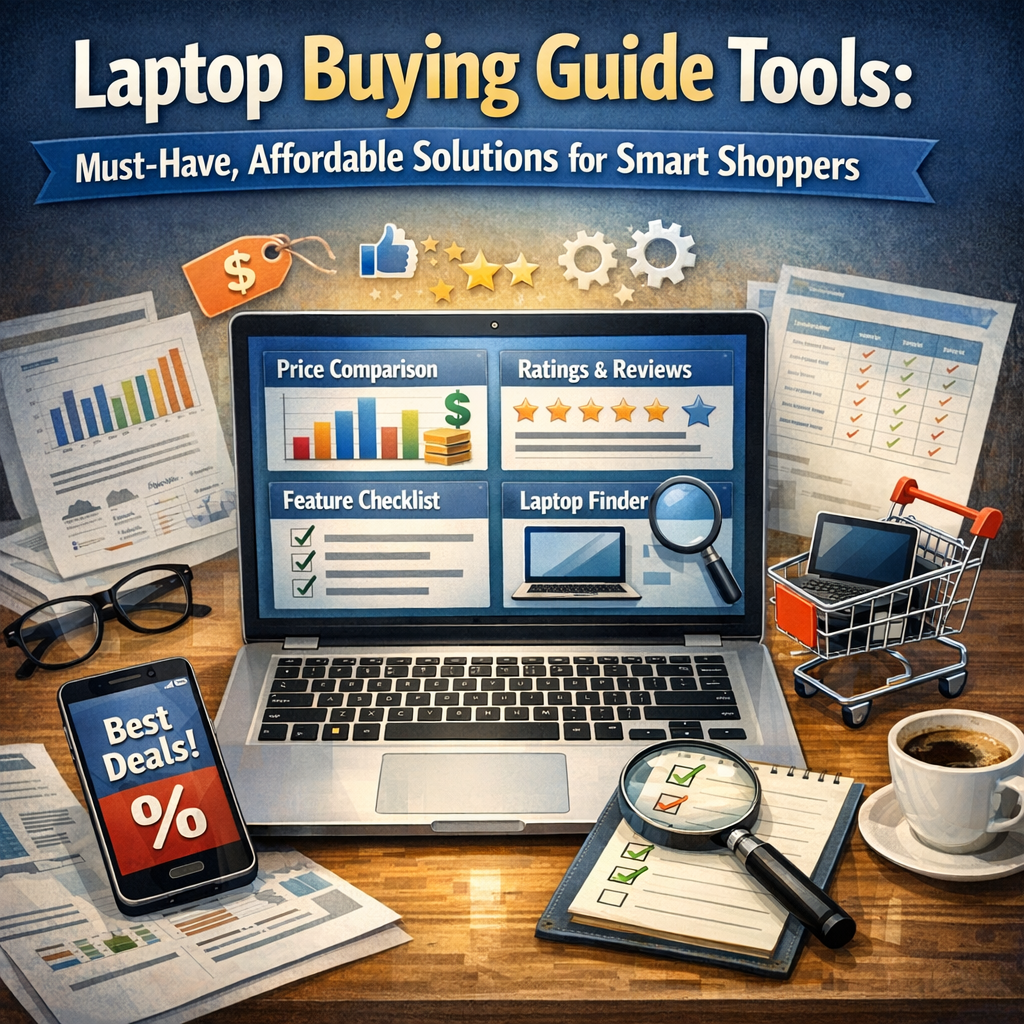
Before diving into the specific options, it’s important to appreciate why laptop buying guide tools have become indispensable:
– Simplify Complex Choices: Modern laptops vary widely in specs such as CPU type, RAM size, graphics capabilities, display quality, and battery life. These tools break down and compare these variables in an easy-to-digest manner.
– Save Time: Instead of manually browsing through hundreds of models, these tools filter laptops based on user preferences like budget, purpose (gaming, business, learning), and brand loyalty.
– Provide Expert and User Reviews: Many tools compile ratings and detailed feedback from both industry experts and real users, giving a holistic view of product performance.
– Track Deals and Prices: Affordable solutions often include alerts on discounts, bundle offers, and price drops to help you snag the best deal.
Top Affordable Laptop Buying Guide Tools for Smart Shoppers
1. Laptop Mag’s Laptop Finder
Laptop Mag’s Laptop Finder is an intuitive and free tool designed to pinpoint devices that fit your precise needs. Whether you’re looking for a laptop under $500 or one excellent for video editing, the tool offers filters such as screen size, processor type, and battery life. It also presents pros and cons for each recommendation, which helps avoid buyer’s remorse.
2. NotebookCheck
NotebookCheck focuses heavily on in-depth hardware benchmarks and comparisons. Their laptop buying guide section caters to various budgets and uses, from ultra-portables to gaming rigs. This tool is particularly useful if you want to understand the performance capabilities of different processors and GPUs because it offers detailed charts and performance scores.
3. PCPartPicker’s Laptop Section
Known primarily for desktop PC builds, PCPartPicker recently expanded its services to laptops. One standout feature is its price tracking and alert system. You can set budget limits and receive notifications when laptops matching your criteria experience price reductions or appear in sales. This can lead to significant savings for budget-conscious buyers.
4. Consumer Reports Laptop Ratings
If you prefer a trusted third-party evaluation, Consumer Reports is a go-to tool. While a subscription is required, it provides highly reliable performance and reliability scores compiled from rigorous testing. Their laptop buying guide includes breakdowns for categories like battery life, support, and ease of use, making it a well-rounded resource.
5. Amazon and Best Buy Reviews with Filters
While not traditional guide tools, both Amazon and Best Buy feature advanced filtering combined with thousands of customer reviews. By sorting results according to average ratings, price, and features, these platforms offer practical insights into real-world usage that no manufacturer’s specs can convey.
How to Get the Most Out of Laptop Buying Guide Tools
To maximize the benefits of laptop buying guide tools, keep these tips in mind:
– Define Your Needs First: Are you a student requiring basic office functions? A gamer needing powerful graphics? Or a professional focused on high processing speed? Clear goals narrow down choices quickly.
– Set a Budget: This helps the tools filter out options that may be unnecessarily expensive or underpowered.
– Read Multiple Reviews: Don’t rely solely on one platform. Look at professional benchmarks and user feedback for a balanced perspective.
– Check for Latest Models: Laptop technology evolves fast; make sure the tool is updated with the newest available products.
– Monitor Prices: Use price tracking features and subscribe to alerts to catch deals and discounts.
Conclusion
Laptop buying guide tools are invaluable allies for anyone in the market for a new laptop, especially when budgets are tight and choices are overwhelming. They combine research, expert insights, user experiences, and pricing data into affordable, easy-to-use solutions that smart shoppers rely on. By taking advantage of these tools, you not only save time and money but also gain confidence that your chosen laptop will meet your expectations and enhance your digital lifestyle. Whether you’re a casual user or a professional with demanding computing needs, leveraging these must-have tools takes the guesswork out of laptop shopping and ensures a satisfying purchase every time.