Electronics Comparison Best Practices: Must-Have Tips for Effortless Buying
Navigating the world of technology can be overwhelming, especially with the rapid pace of innovation and the sheer number of options available. Whether you’re eyeing a new smartphone, laptop, or smart home gadget, mastering electronics comparison best practices is essential for making an informed decision without the stress or buyer’s remorse. This guide distills must-have tips that will empower you to compare electronics effectively and shop confidently.
Understanding Electronics Comparison Best Practices
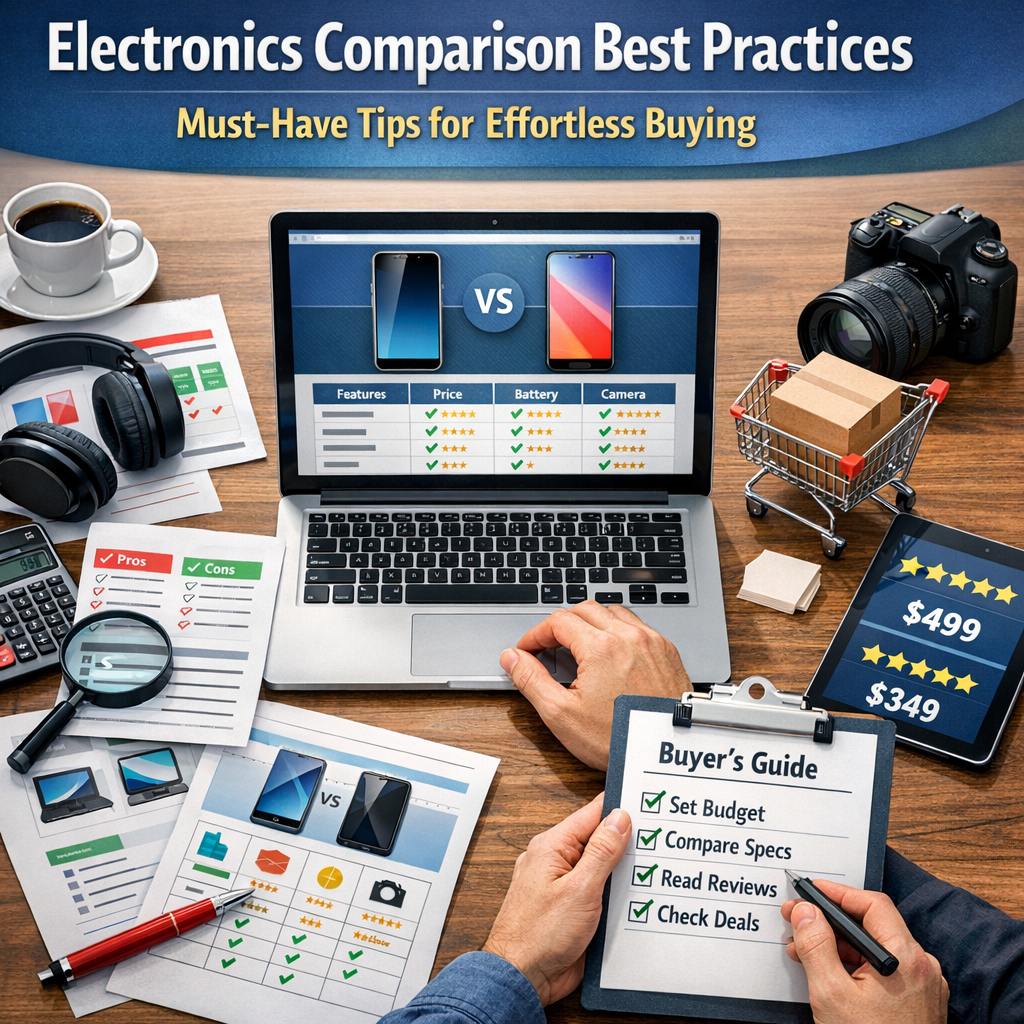
When comparing electronic devices, it’s not just about looking at specs or price tags—it’s about aligning the product features with your unique needs, ensuring reliability, and maximizing value. Electronics comparison best practices involve a strategic approach that balances research, critical evaluation, and awareness of your personal or professional priorities.
1. Define Your Needs and Priorities
Before you dive into the sea of specifications, start with a clear understanding of what you need from the device:
– Usage scenario: Are you buying a laptop for casual web browsing, professional video editing, or gaming? Different tasks demand different hardware capabilities.
– Essential features: Identify must-have features versus nice-to-have extras. For example, a long battery life might be non-negotiable for travelers, while a high-resolution camera might be critical for content creators.
– Budget constraints: Knowing your budget helps narrow down choices and prevents overspending.
By defining your needs, you filter out irrelevant options and focus on electronics that truly fit your lifestyle.
2. Emphasize Objective Specification Comparison
Once your criteria are clear, the next step is to perform a detailed comparison of specifications:
– Processor and performance: Check processor speed, cores, and generation to understand computing power.
– Memory and storage: Compare RAM size and storage type (SSD vs. HDD) for speed and capacity.
– Display quality: Look at resolution, refresh rate, and panel type for devices like smartphones and monitors.
– Connectivity: Assess ports, Wi-Fi standards, Bluetooth versions, and cellular capabilities.
– Battery life: Review rated battery life but also search for real-world user experiences.
A side-by-side comparison chart can help visualize differences quickly. Avoid getting tricked by marketing jargon—stick to verifiable numbers and trusted benchmarks.
3. Utilize Trusted Reviews and Expert Opinions
Specs tell part of the story but how the device performs in real-world conditions is invaluable. Incorporate professional reviews, tech blogs, and user testimonials into your comparison:
– Professional reviews: Websites like CNET, TechRadar, and The Verge dive deep into product performance.
– User reviews: Platforms like Amazon or Best Buy provide honest feedback from everyday users.
– YouTube comparisons: Video reviews often reveal practical insights such as ergonomics or software quirks.
This holistic feedback helps uncover potential drawbacks and surprises not apparent from specs alone.
4. Consider Longevity and Brand Reliability
Electronics vary widely in build quality and reliability over time. Shopping smart means factoring in:
– Brand reputation: Established brands often offer better customer support and warranty services.
– Software updates and ecosystem: For gadgets like smartphones, timely OS updates and access to apps matter a lot.
– Warranty and repair options: Check warranty duration and ease of servicing.
A slightly more expensive product from a reputable brand might save you money and frustration long-term.
5. Factor in Future-Proofing
Purchasing electronics that remain relevant and capable for several years is wise, especially with fast-evolving technology:
– Look for devices supporting the latest standards (e.g., Wi-Fi 6, USB-C).
– Prioritize expandable storage or modular designs.
– Consider upgradeability, like RAM or battery replacement options.
Future-proofing prevents premature obsolescence and adds value to your investment.
6. Beware of Hidden Costs and Extras
Sometimes the initial price tags omit important additional costs such as:
– Required accessories (chargers, adapters, cases).
– Subscription fees (cloud storage, software services).
– Extended warranties or insurance plans.
Include these factors in your comparison to develop a realistic total cost picture.
7. Take Advantage of Comparison Tools and Apps
Many online platforms offer comparison tools that aggregate specs, prices, and reviews in one place:
– Websites like GSMArena for mobile phones or PCPartPicker for computers.
– Apps that scan barcodes and instantly provide comparative data.
Using these tools can expedite your decision-making and uncover deals.
Final Thoughts: Mastering Electronics Comparison Best Practices
By embracing these electronics comparison best practices, you set yourself up for a smooth and confident purchasing process. Defining your needs, scrutinizing specifications, reading trusted reviews, and factoring in long-term usability go a long way toward buying gadgets that provide real satisfaction. Remember, the goal is not just to buy the latest model but to choose the right gadget that fits your lifestyle, budget, and expectations perfectly. With thoughtful comparison, effortless buying is well within reach.